Screenshots
Clean, Intuitive Interface
Every detail carefully crafted for the best developer experience.
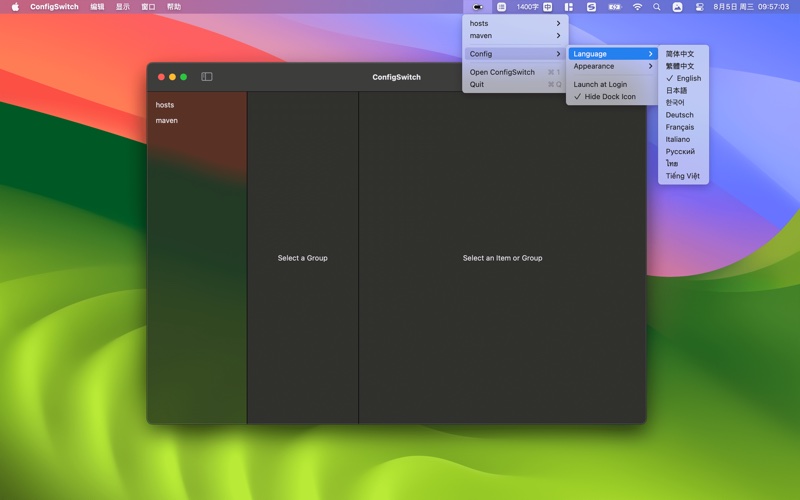
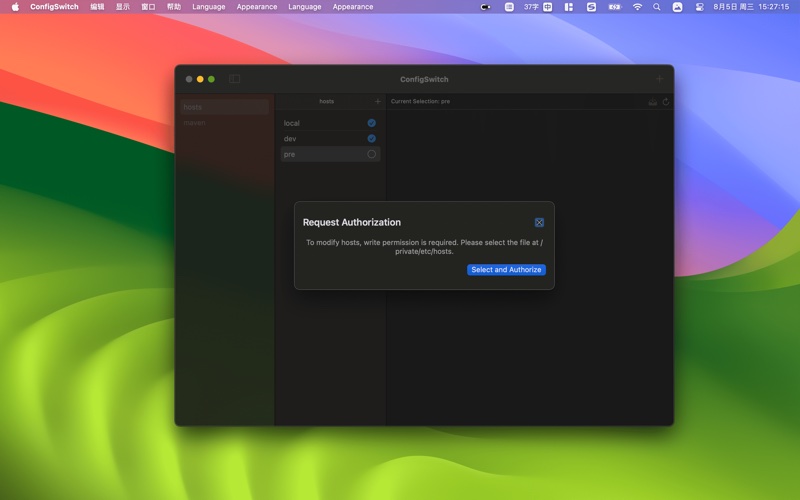
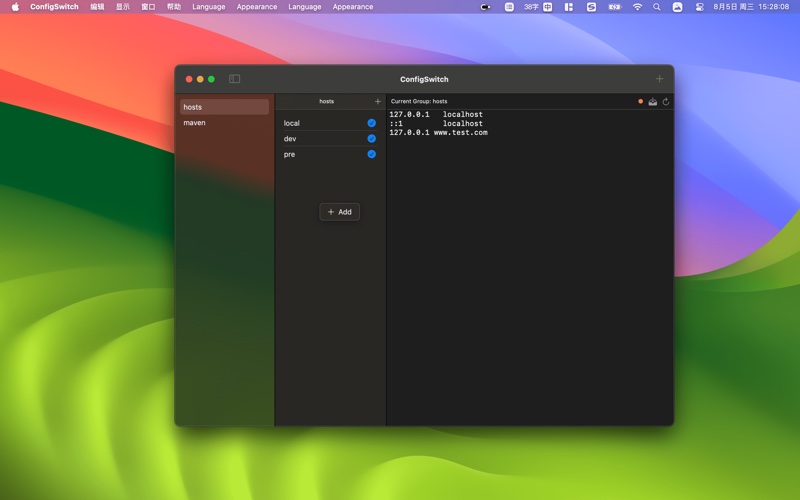
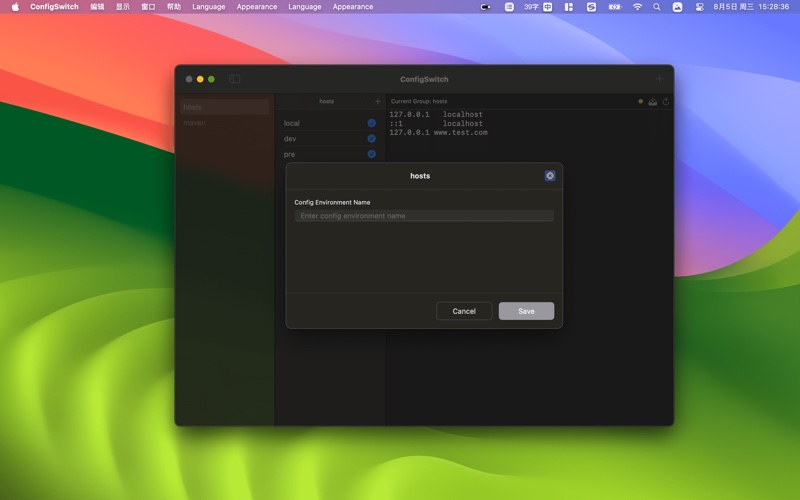
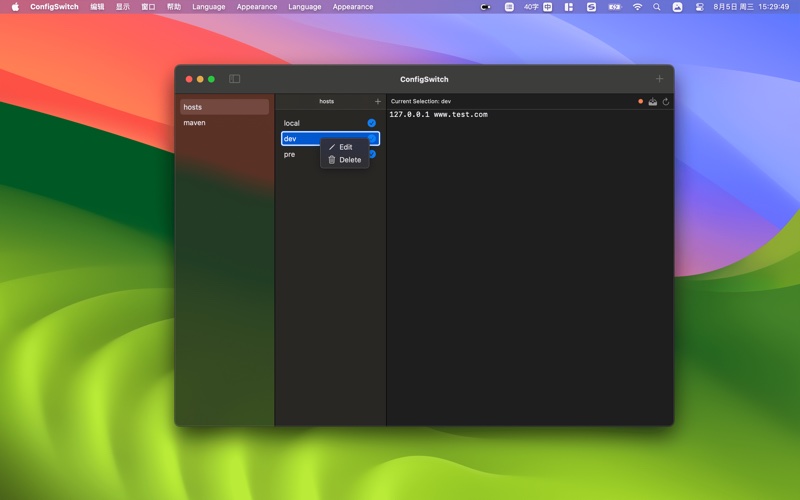
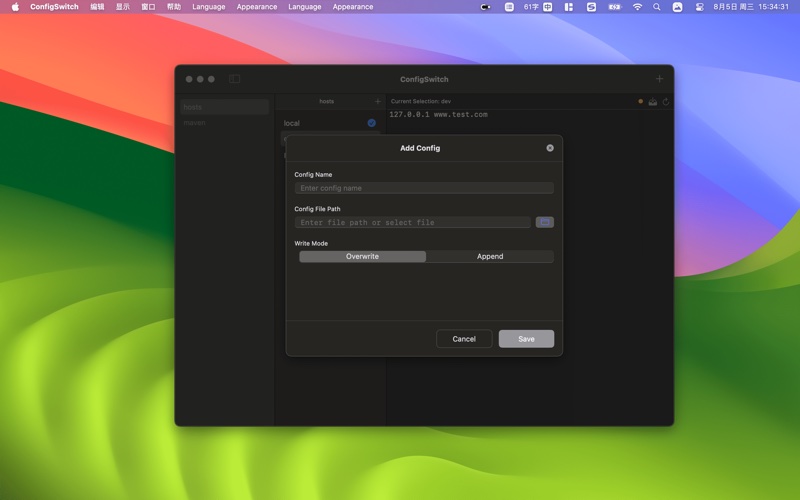
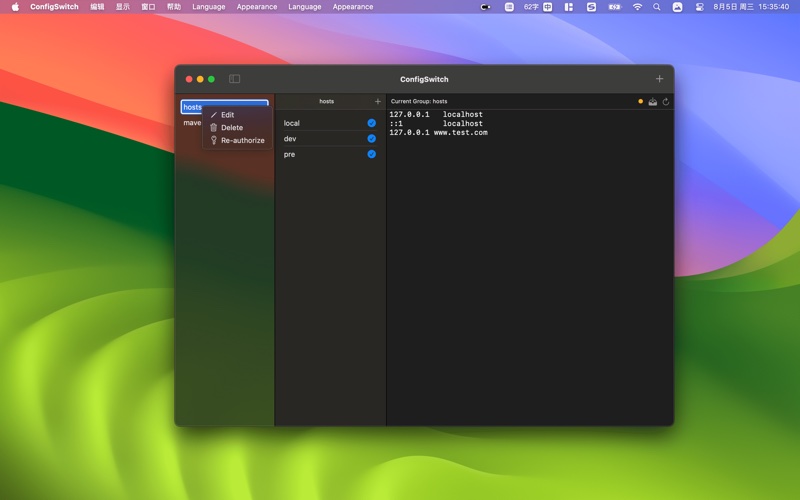
A pure-native macOS config file manager. Toggle hosts, Maven, Git, .env, SSH — any text file — from the menu bar. Instant, lightweight, built with SwiftUI.
Click to apply · Updates instantly
Pure-native SwiftUI. No Electron, no slowdowns — just macOS at its best.
Click a preset from the menu bar — your config file updates instantly. No editors, no copy-paste, no terminal.
Overwrite for exclusive configs (e.g. /etc/hosts). Append to merge multiple presets into one file. Your choice.
Hosts, Maven settings, Git config, .env, SSH, nginx, yaml, toml — if it's a text file, ConfigSwitch manages it.
Toggle configs without opening the app. Right from the macOS menu bar — always one click away.
English, 简体中文, 繁體中文, 日本語, 한국어, Deutsch, Français, Italiano, Русский, ไทย, Tiếng Việt. Switch on the fly, no restart needed.
Auto-follows your system, or manually pick your preference. Looks native in any appearance mode.
Every detail carefully crafted for the best developer experience.
Whatever your config switching needs — ConfigSwitch has you covered.
Toggle DNS entries between dev, staging, and production in an instant.
Flip between corporate, personal, and mirror Maven settings.xml on the fly.
One click between work and personal .gitconfig — name, email, and all preferences.
Organize environment variables, SSH configs, nginx settings, and any text file.
Check out the complete user manual with step-by-step instructions and tips.
Open User ManualConfigSwitch is a pure-native macOS app built entirely with SwiftUI. It redefines how developers manage configuration files — zero bloat, maximum speed. Unlike Electron or cross-platform tools, ConfigSwitch leverages the full power of macOS to deliver an experience that feels instant, lightweight, and truly Mac-native. Whether you're toggling hosts between environments, switching Maven mirrors, or alternating Git identities, ConfigSwitch makes it effortless — right from your menu bar.